 World Wide Offices

Category: Case Studies
Almost Hacked! We Stopped a Phishing Attack of a Celebrity
TABLE OF CONTENT :
How We Helped a Celebrity Avoid a Major Security Breach by Stopping a Targeted Phishing Attack
Summary
- Our client, a famous celebrity, was targeted by a tricky phishing attack that gave hackers access to their main email account, which was connected to important services.
- The attacker started searching for valuable information, like contracts, private chats, legal papers, and crypto wallet codes, trying to steal money or demand a ransom.
- TechForing Team performed quickly to lock the attacker out of all devices and accounts, changed passwords, and removed all harmful access without losing or leaking any data.
- In just a few hours, the client’s accounts were fully safe again, preventing any money loss or damage to their reputation.
Introduction
For celebrities, staying safe online is important. One mistaken click can give hackers access to personal emails, private chats, or even bank accounts. That’s exactly what almost happened when a well-known celebrity reached out to us after getting tricked by a fake email.
This case study will show how TechForing quickly took action, stopped the attack before any harm was done, and helped the client add strong protections to avoid future risks.
The Case
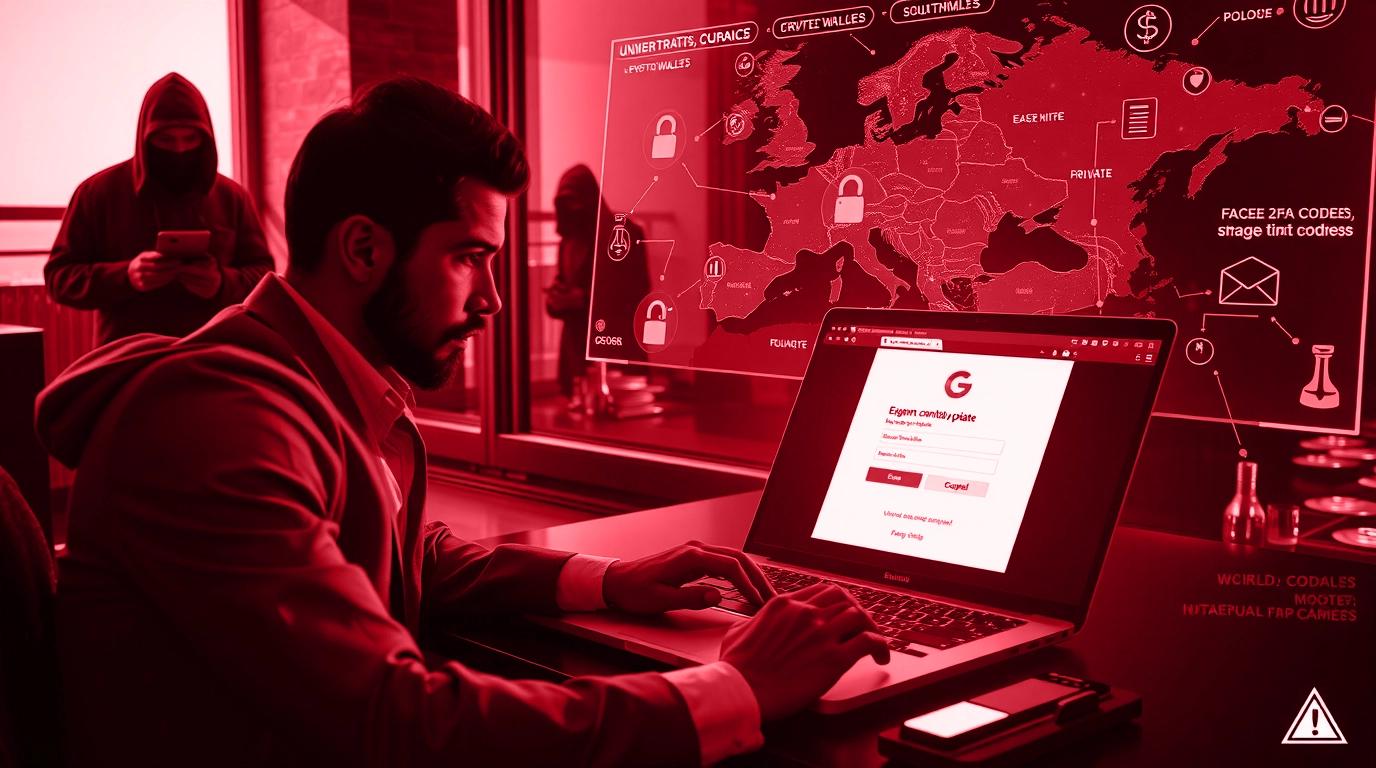
Our client was a world-famous celebrity, well-known in different industries and involved in many business deals, including brand promotions, online investments, and special partnerships. Their digital accounts were closely linked to their money, personal messages, and public image. That made them a perfect target for a sophisticated spear phishing attack.
The problem started when the celebrity’s personal assistant received an email. It looked like it came from a big brand the celebrity had recently worked with. The email looked real - it had the company logo, professional writing, and said there was an “urgent contract update” that needed a quick signature. The email had a link that took the assistant to a page that looked exactly like Google’s login screen.
Trusting the email, the assistant typed in the celebrity’s email address and password. As soon as that happened, the hacker got full access to the account. What made things worse was that this email was connected to many other important accounts - including crypto wallets, cloud storage full of private files, signed deals, and private chats with other well-known people.
The attacker signed in from a location in Eastern Europe. Right away, they started looking through emails for financial details, legal documents, and passwords. They also tried to reset access to crypto exchange accounts, backup emails, and even Apple iCloud. The goal was clear: steal money, grab private data, and maybe demand ransom or leak sensitive info online.
Luckily, the assistant noticed strange login alerts and saw some two-step verification codes she didn’t request. She quickly told the celebrity’s management team, who reached out to TechForing without delay. We started investigating immediately.
Challenges and Objectives
Challenges
Here were the main challenges we faced:
- Email Was Already Hacked: The hacker had full access to the celebrity’s main email account, which was connected to cloud storage, social media accounts, business emails, and crypto wallets. The attacker could read old emails, reset passwords, and search for private and financial information.
- Multiple Accounts Were At Risk: The attacker used the email access to try logging into services like Google Drive, iCloud, Instagram, and Coinbase. They started password reset requests and looked for 2FA codes, wallet recovery phrases, and legal files.
- Fast-Moving Threat: In cases like this, time is very important. The longer the attacker stays inside the system, the more they can steal or damage. In this case, the attacker had already started exploring the account before we got involved.
- Lack of Security Tools: The email system didn’t have strong protections in place. There was no threat detection, no alert system, and 2FA wasn’t set up on all accounts. Without these tools, it was hard to notice the attack early.
- Human Error: The phishing email looked very real. The assistant trusted the email and typed the login details without checking which shows that well-made phishing emails can trick even careful people.
Objectives
We focused on these main goals:
- First, we had to remove the hacker from the email, including changing passwords, logging out other devices, and checking security logs.
- We needed to find out how the phishing email got in, what the attacker accessed, and whether any other accounts were affected.
- We checked all systems tied to the email account, including cloud storage, social media, crypto wallets, and work apps, and added the right protections.
- We added multi-factor authentication (MFA) to all important accounts, updated passwords, changed privacy settings, and set up alerts for any suspicious activity.
- We gave easy-to-follow training to the assistant and other team members to help them spot phishing emails, report problems quickly, and avoid risky actions.
Tools & Technologies Used
We used the following cybersecurity tools and software, such as:
- Google Admin Console
- Have I Been Pwned
- FTK Imager
- Autopsy
- Wireshark
- Splunk
- SentinelOne
- Google Authenticator
- Authy
- Bitwarden
- Gmail Security Checkup Tools
- Volatility Framework
- Cuckoo Sandbox
- VirusTotal
- Microsoft Message Header Analyzer
- PDQ Inventory
- PDQ Deploy
- Sysmon
- MSTIC Jupyter Notebooks
How We Solved the Situation
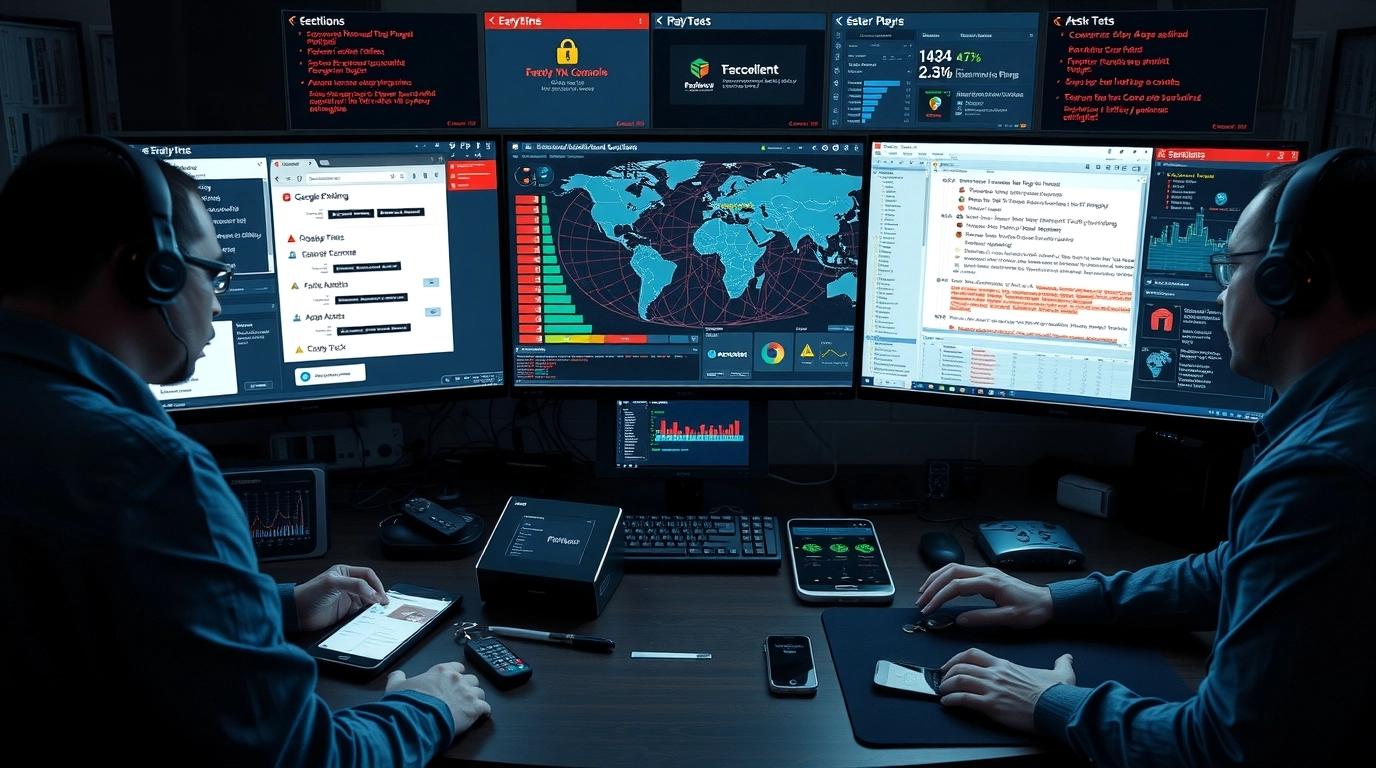
We followed a clear six-step plan to remove the hacker, protect the celebrity’s digital accounts, and make sure it wouldn’t happen again.
1. Immediate Account Lockdown & Threat Removal
As soon as we knew the email account was hacked, we locked the attacker out of all devices right away. Using the Google Admin Console, we:
- Signed out all active sessions on every device
- Removed any unknown apps or programs connected to the account
- Changed the main and backup email addresses
- Created new, strong passwords with the help of Bitwarden
We also set up multi-factor authentication (MFA) on all important accounts using Google Authenticator and Authy.
To make sure the attacker couldn’t take control of the phone number, we checked with the mobile company and reviewed call records to stop SIM swapping.
2. Deep Digital Forensic Investigation
Next, we had to find out how the attacker got in and what they did after.
We used tools like FTK Imager, Autopsy, and the Volatility Framework to study the memory and logs on the devices involved.
By analyzing email details with Microsoft Message Header Analyzer, we found that the phishing email came from a fake website pretending to be a trusted partner.
The email passed some security checks but failed others, proving it was fake.
The phishing link led to a fake Google login page. Using VirusTotal, Cuckoo Sandbox, and manual checks, we confirmed it was a page that stole the login details and sent them to a hacker’s server in Eastern Europe.
3. Account Mapping & Risk Assessment
Since the attacker had access to the email, they tried to log in to other linked accounts. Using Wireshark, Sysmon, and Splunk, we tracked:
- Attempts to log into Google Drive, Coinbase, Instagram, and Apple iCloud.
- Requests to reset passwords and get two-step verification codes on important accounts.
- Searches for words like "wallet," "passphrase," "contracts," and "legal" inside emails and files.
We checked all accounts connected to the hacked email and made sure no files were stolen or changed.
Luckily, no files were moved or shared without permission.
4. Full Credential Reset & Multi-Layer Protection
We reset all passwords on the affected accounts, such as crypto wallets, cloud storage, social media, and business apps.
We made sure:
- Every important account had multi-factor authentication (MFA) turned on
- Security questions were changed to hard-to-guess answers
- Backup emails were replaced with brand-new, secure ones
- For very sensitive accounts, hardware keys like YubiKeys were added for extra safety
We also created new email addresses for finance and legal matters to keep those separate and safer.
5. Device Security, Monitoring & Network Hardening
After securing the accounts, we checked all devices used by the celebrity and their team with PDQ Inventory and PDQ Deploy.
We:
- Installed all important updates and patches
- Set up SentinelOne to watch for any malware or threats
- Configured Sysmon to record detailed system events and send alerts to Splunk
- Created automatic warnings for unusual actions like logins from strange places or repeated failed login attempts
We also checked the home and office Wi-Fi networks, updated router settings, changed default passwords, and separated the network where needed.
6. Staff Training, Protocol Setup & Ongoing Support
Since the phishing attack started because someone trusted a fake email, we trained the personal assistant and team to avoid this in the future.
- Held easy-to-understand training sessions showing how to spot phishing emails
- Ran fake phishing tests to practice recognizing attacks
- Set up a quick alert system so the team can contact us right away if they see anything suspicious
We also created a simple step-by-step plan for the team to follow if a security problem happens again.
Results & Outcome
- The celebrity’s email account was fully secured within a few hours after the attack.
- The hacker was removed from all devices and logged out of every active session.
- All passwords for connected accounts were changed and made stronger using secure tools.
- No personal files, private chats, or financial data were stolen or shared.
- All password reset attempts and unusual logins were blocked.
- The attacker failed to get into any crypto wallets or online banking accounts.
- The celebrity’s public image and private life stayed safe; nothing got leaked to the media or online.
- No ransom was paid, and no long-term damage happened.
Conclusion
This case shows how a fast and well-planned response can stop a phishing attack before it causes serious damage.
The celebrity didn’t lose any money, and none of their data or private messages were leaked; their team learned how to deal with these kinds of threats better in the future.
If you’re dealing with a phishing attack or want to protect your digital life, our team is ready to help you 24/7.