 World Wide Offices

Category: Case Studies
How to Recover from a Business Email Compromise Scam
TABLE OF CONTENT :
How We Helped a Client Recover $85,000 from a Fraudulent Invoice Scam Using Digital Forensics and Legal Support.
Introduction
Business Email Compromise (BEC) scams are now one of the biggest online threats to companies. The FBI reports that BEC scams have already cost businesses $55 billion worldwide.
But you don’t have to feel helpless.
In this case study, you’ll know how to spot warning signs, what steps to take right away if you face a scam, and how to protect your business from future attacks.
How to Spot a Scam
Here are the key signs you should watch for:
- Urgent Payment Requests - Scammers create a sense of urgency, pressuring you to act fast. Emails like “Send $50,000 immediately” or “Approve this invoice today” are classic BEC tricks. Research shows that over 80% of BEC victims reported urgency as a key tactic.
- Slightly Altered Email Addresses - Attackers try to look like someone you trust using small changes, such as extra letters or swapped domains (for example, @companny.com instead of @company.com). A tiny typo can signal a fake email. You can use email authentication tools like SPF, DKIM, and DMARC to catch these fake senders.
- Requests to Skip Normal Procedures - If someone asks you to skip approval steps or override finance rules, treat it as a red flag. Studies show that over 60% of BEC attacks involve requests to bypass internal controls.
- Unusual Payment Instructions - Scammers often ask you to send money to a new or personal account. Always confirm any account changes directly with a trusted contact, like a phone call to a verified number.
- Generic Greetings - BEC emails often say “Dear Employee” or “Dear Sir/Madam” instead of your name. Real emails are personal, so generic greetings should make you suspicious.
- Grammar, Spelling, or Strange Language - Many attacks come from overseas, so you might see strange phrasing or spelling mistakes. Even small language issues can mean the email is fake.
- Suspicious Links or Attachments - Be careful with unexpected links or attachments. Hover over links to see the real URL, and scan all attachments with updated security software. Clicking on a bad link can let scammers install malware or steal your login info.
- Unusual Behavior Patterns - Sometimes the warning isn’t in the email itself but in how someone acts. If a colleague suddenly writes or asks in a way that’s different from normal, it could mean their account has been hacked.
What to Do Immediately
If you suspect a Business Email Compromise scam, acting quickly can save your business from major losses.
Here’s what you should do:
- Stop any suspicious transactions - If you notice unusual invoice requests or payment instructions, stop all approvals and transfers right away.
- Verify the sender carefully - Contact the person or company directly using a phone call or their official email instead of replying to the suspicious message.
- Secure all accounts - Change your passwords for email, banking, and other linked accounts. Turn on multi-factor authentication to make it harder for scammers to get in.
- Inform your team and key people - Let your colleagues, finance team, and IT or security team know about the suspicious activity. This helps everyone work together to stop the scam.
- Report the incident to authorities - Tell local law enforcement, your bank, and cybersecurity agencies about the scam. Reporting quickly can help recover lost money.
- Keep all evidence - Save emails, invoices, and messages exactly as they are. This is important for investigations and working with recovery services to get your money back.
Real Case Example

Our client runs a medium-sized business and works with many suppliers every day. One morning, they received what looked like a normal invoice from one of their regular suppliers. The email looked real- it had the usual logos, format, and tone they were used to. But there was a tiny change in the sender’s email address, just one letter off, and it went unnoticed in the busy day.
The email said the supplier needed an immediate payment of $85,000 to a new bank account. It pushed urgency and asked to skip the usual approval steps. Since the email looked familiar and the request seemed important, the finance team sent the money without double-checking.
Later that day, the real supplier called, confused about not getting the payment. That’s when our client realized they had been scammed. The $85,000 had already been sent and quickly moved through several accounts, making it very hard to get back. The client felt shocked and stressed, seeing how easily scammers could trick them with small details and urgent requests.
This case shows how strong Business Email Compromise scams can be. Our client knew they needed help to understand how it happened and what to do next.
So, the client contacted TechForing, and we started investigating immediately.
Tools & Technologies That Help
- EnCase Forensic
- Cellebrite UFED
- FTK (Forensic Toolkit)
- Magnet AXIOM
- Autopsy
- Wireshark
- OSINT Tools (Maltego, SpiderFoot)
- Email Analysis Tools (MXToolbox)
- VirusTotal
- Blockchain/Bank Transfer Tracing Tools
- Log Analysis Tools (Splunk, ELK Stack)
- Dark Web Monitoring Tools (Recorded Future, SpyCloud)
- Phishing Detection Tools (Cofense, Proofpoint)
- Email Security Gateways (Mimecast, Barracuda)
How We Solved the Situation
We started a step-by-step investigation using advanced digital forensics to trace the stolen funds.
Step 1: Email Forensics and Analysis
We began by carefully examining the fake email using EnCase Forensic, FTK (Forensic Toolkit), and Magnet AXIOM to look at email details, attachments, and headers. MXToolbox helped us check the domain and see if it was fake. Autopsy was used to check the client’s email system for any traces of attacks, and Cellebrite UFED helped us review any mobile devices connected to the email or payment instructions.
Step 2: System, Network, and Access Investigation
We used Wireshark, Log Analysis Tools (Splunk, ELK Stack), and CyberArk to check network traffic, system logs, and accounts with special access. This showed that the company’s accounts were safe, but helped us see how the fake request went through without following normal approval steps.
Step 3: Phishing and Security Threat Detection
Phishing Detection Tools (Cofense, Proofpoint) and Email Security Gateways (Mimecast, Barracuda) were used to check the path of the fake email and make sure no other phishing emails could reach the client. VirusTotal and Keylogger & Memory Analysis Tools scanned for any malware or software that could steal passwords.
Step 4: OSINT and Dark Web Monitoring
We used OSINT Tools (Maltego, SpiderFoot) to look for any online traces of the attackers. At the same time, Dark Web Monitoring Tools (Recorded Future, SpyCloud) checked if the client’s sensitive data was being sold or shared online.
Step 5: Banking and Transaction Tracing
To trace the $85,000, we used Blockchain/Bank Transfer Tracing Tools and other financial tracking methods. This helped us follow the money through several accounts and find possible ways to recover it.
Step 6: Evidence Management
All evidence - including emails, system logs, and transaction records was stored in a Digital Evidence Management System (DEMS) to keep it organized and safe. This made sure the evidence could be used later with the bank or authorities to help recover the money.
Results & Outcome
- Successfully traced the $85,000 stolen using digital forensics and banking tracking tools.
- Confirmed that no other accounts were hacked, keeping the company’s systems safe.
- Found weak points in internal procedures, like skipping finance approvals under pressure.
- Set up stronger email and cybersecurity measures, including phishing detection tools, multi-factor authentication, and domain checks.
- Trained the client’s team to spot warning signs of BEC scams and prevent future attacks.
How to Prevent Future Scams
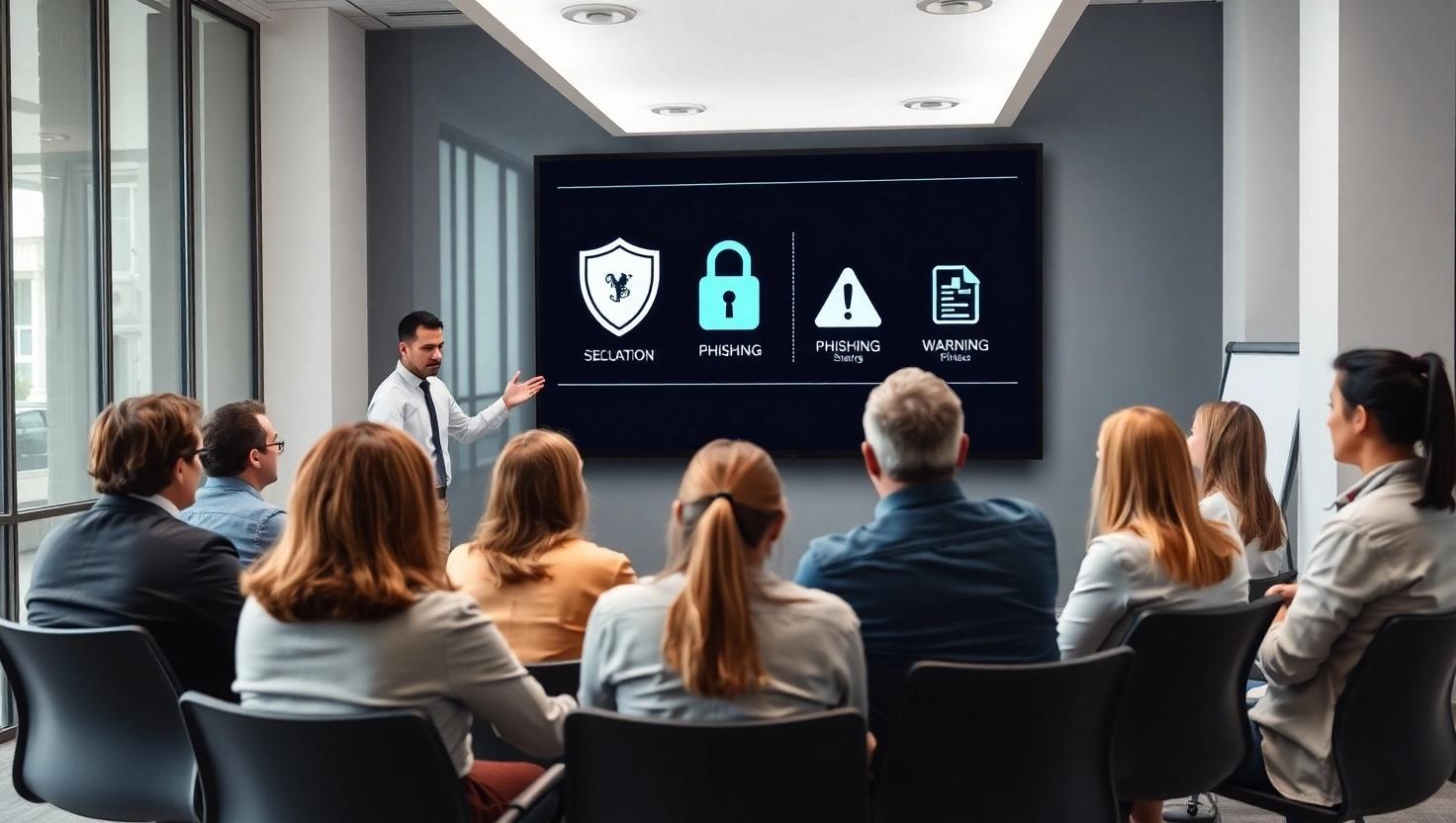
Here are 7 key points on how you can protect your business:
- Implement Multi-Factor Authentication (MFA) - Make sure MFA is turned on for all email accounts, especially for executives and finance staff. MFA gives an extra layer of security by asking for two or more ways to verify your identity.
- Educate Employees Regularly - Hold regular training sessions to teach your team about phishing emails, BEC scams, and suspicious requests.
- Establish Strict Financial Transaction Protocols - Require more than one approval for big payments and make sure no one can skip the normal steps.
- Use Advanced Email Security - Set up SPF, DKIM, and DMARC to check that emails are real and not fake. Use email security tools to block phishing emails and suspicious messages before they reach your team.
- Monitor Email Accounts Regularly - Keep an eye on your email accounts for unusual activity, like unexpected forwarding rules or strange login times. Tools that spot unusual patterns can help catch scams early.
- Reduce Your Digital Footprint - Share less personal and company information online. Scammers use publicly available data to make their emails look real, so limiting what’s out there makes it harder for them to trick you.
- Verify Payment Instructions Through Multiple Channels - Always double-check payment requests. Call the sender using a known number instead of just replying to an email, especially if it’s urgent or involves a new account.
Conclusion
The case shows how a quick, well-coordinated response can trace stolen money, recover the client’s $85,000, and reduce financial and operational problems.
If you’re facing a Business Email Compromise scam or need an expert to help get your money back, our team is ready to help you anytime.