 World Wide Offices

Category: Articles
How to Prevent Business Email Compromise Attacks
TABLE OF CONTENT :
Business Email Compromise (BEC) is now one of the biggest threats to companies.
The FBI reports more than $2.9 billion in losses during 2023. Total global losses have crossed $50 billion over the years.
In this blog, we will share how BEC attacks work, why they happen, and the best steps you can take to protect your business.
What Is Business Email Compromise (BEC)?
Business Email Compromise, or BEC, is a type of cyber attack where criminals trick employees into sending money or sharing sensitive information.
Some experts call it an Email Account Compromise (EAC) attack. Attackers make emails look like they come from a trusted source, which makes spotting the scam hard.
For example, a company may receive monthly invoices from a regular vendor. A BEC attacker can send a fake invoice from a domain that looks almost identical to the real one. An employee may pay the wrong account without noticing.
Insiders can also cause BEC attacks. Suppose a manager asks an assistant to buy gift cards for employees. A dishonest assistant can take the serial numbers and send them to the attacker.
How Does a BEC Attack Work?
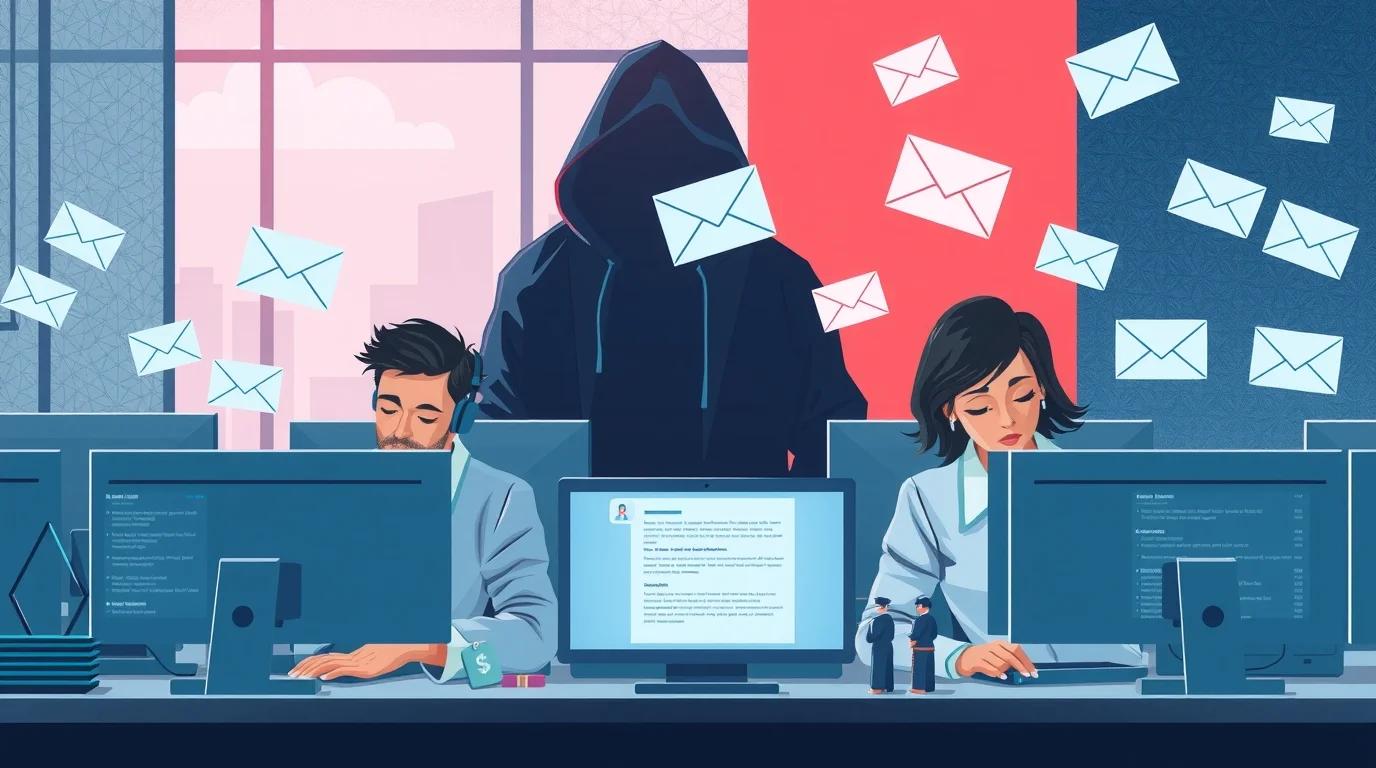
Business Email Compromise (BEC) attacks are smart and sneaky. Attackers often use fake or slightly changed email addresses.
For example, [email protected] looks almost the same as [email protected]. Employees who are busy may not notice small differences.
Attackers usually target employees who handle money or sensitive data. Emails often appear to come from a CEO, vendor, or manager.
New employees or staff who do not know the sender well can easily share passwords, approve payments, or give sensitive information. By the time someone notices, companies may already lose money.
Some attackers access company databases to get email lists, invoices, and payment schedules. They send emails at the right time, like during payroll or vendor payments, to avoid suspicion.
Hackers may also include malicious links to steal login details or sensitive files.
Common BEC attacks ask employees to:
- Transfer money to fake accounts
- Communicate with overseas suppliers
- Use personal or public email accounts for executives
Attackers gather information from public sources and other compromised accounts. Most attacks focus on money, but some steal sensitive data to use later or sell online.
Consequences of a BEC attack go beyond financial loss. Companies may lose reputation, face delays in operations, or lose important files.
14 Common Red Flags of a BEC Attack
Spotting warning signs early can prevent major losses. Watch for these red flags:
01 # Different Email Addresses
Many BEC attacks start with an email address that feels familiar but hides small tricks. A scammer may send [email protected] or use an address with an extra “n” like amazonn.com.
A small switch, an added mark, or a number in place of a letter can fool anyone. Take a moment to confirm the sender whenever money or private data comes up.
02 # Spoofed Domains and Display Names
Fake domains help scammers enter your inbox with a message that feels normal. One tiny change, like your-company.com instead of yourcompany.com, tricks many employees.
Emails show trusted names, such as a CEO or a manager, while the real sender hides behind a false address. Many messages do not include links or attachments, so email filters see no problem.
03 # Urgent or Unusual Requests
Cybercriminals want you to rush. Messages that demand “do it immediately” or “keep this secret” are trying to make you react without thinking. They may warn about deadlines, risks, or sensitive information. Stop and confirm any request with your internal team before taking action. Speed alone is their weapon.
04 # Unexpected Requests for Money
BEC attacks usually try to trick you into sending money, sharing bank details, or giving confidential employee information. Attackers pretend to be partners, vendors, or even your boss.
They often jump into email threads, making requests look normal and trustworthy. Always verify unusual payment requests by calling the person or using internal messaging.
05 # Poor Grammar, Spelling, or Odd Language
Fraudulent emails often stand out because of spelling errors, awkward sentences, or unusual wording. Even executives’ emails can look unusual if someone else is sending them.
Generic greetings such as “Dear User” or “Dear Customer” are red flags. Question emails that don’t match how the sender usually writes or communicates.
06 # Suspicious Links or Attachments
Phishing sites can hide behind normal-looking links, and attachments may carry malware. Hover over each link to check the real URL. Avoid clicking on short links or domains you don’t know.
Files like .zip, .rar, .iso, .iqy, or documents with macros often hide threats, including credential theft. If unsure, reach out to the sender using a trusted contact method before opening anything.
07 # Unusual Account Behavior
Attackers can hijack real accounts without warning. Look out for emails sent late at night, messages to new or unexpected recipients, or a shift in the way someone writes.
Small changes in how emails are usually sent can signal a problem. AI systems can catch these odd behaviors by checking activity against regular user habits.
08 # Thread Hijacking and Spoofed Email Threads
Scammers can jump into your email conversations and make fake requests seem real. They copy the tone, style, and even past email details. Always double-check any unexpected requests in your email threads, especially if someone asks for money or private information.
09 # Missing External Email Warnings
Many email systems show banners to mark messages coming from outside your organization. Emails that look like they are from inside but don’t have these warnings could be fake. Attackers can remove banners or change email details to trick you.
10 # Requests From High-Level Executives
Hackers often send emails pretending to be your CEO, CFO, or a trusted vendor to make you act quickly. They use email addresses that look almost real.
Always double-check executive requests by calling them, sending a message on your company system, or doing a quick video chat. Don’t rely on the name in the email alone.
11 # Suspicious QR Codes or Links
Scammers use QR codes or links to steal login information by sending you to fake sites. On your phone, URLs can stay hidden.
Always inspect QR code destinations before scanning. Verify all account resets, payments, and MFA approvals through a trusted method before responding.
12 # Unusual Timing or Odd Context
If you get an email late at night, early in the morning, or on the weekend, pause before acting. Messages that don’t match normal work routines could be a scam.
13 # Security or IT Callback Scams
Scammers often ask you to call numbers to restore access or verify accounts. They try to trick you into sharing passwords, MFA codes, or letting them control your computer.
Always use the company’s official helpdesk number to verify any request. Never hand over credentials or install programs without approval from IT.
14 # Push-Bombing Attacks
Sometimes attackers flood your account with MFA requests to get access. Always deny prompts that you didn’t expect. Report anything that looks suspicious.
If your account shows strange login attempts, change your password quickly. Use verification codes or match numbers in your MFA app to confirm each login.
Why Businesses Are Vulnerable to BEC (Business Email Compromise) Attacks
Many companies depend on email for approvals, payments, and daily communication. Heavy dependence on email creates an easy path for Business Email Compromise (BEC).
A major weakness comes from poor email authentication.
Many organizations still leave gaps in SPF, DKIM, and DMARC. Missing protection allows criminals to spoof official email addresses and send messages that look completely genuine. Strong enforcement of SPF, DKIM, and DMARC blocks a large share of these spoofing attempts.
Human trust also creates a big opening. Attackers learn how teams communicate and then copy that style. A message from a “CEO,” a “vendor,” or a “partner” feels natural to many employees.
Without proper training, many people fail to notice small red flags. Employees often follow instructions without questioning the source, especially during busy hours.
Finance teams face even more pressure. Daily work includes quick payments and urgent wire transfers. Criminals understand that pressure and create fake “urgent” requests.
How to Prevent Business Email Compromise (BEC) Attacks
Here are the top steps every business should take to prevent BEC attacks.
- Train employees to recognize BEC attacks. Show staff how to notice warning signs, such as slightly altered email addresses, unusual wording in requests, and sudden urgency. Use practical exercises like simulated phishing emails.
- Enable multi-factor authentication (MFA) for every email and business-critical account. MFA stops criminals from using stolen passwords to gain access. Encourage the use of security keys or authenticator apps instead of SMS codes because SMS can be intercepted. Combine MFA with strong password policies that require long, complex, and unique passwords for each account.
- Set strict access controls and approval rules. Give employees only the permissions they need to perform their work. Apply the principle of least privilege to limit damage if an account is compromised. Require dual approvals for financial transfers over a set limit. Verify any changes in vendor accounts through a separate channel, like a verified phone call.
- Check all email links and attachments before opening. Scan attachments using updated antivirus software or sandboxing tools. Avoid downloading files from untrusted sources. Use email security gateways to block messages containing suspicious links, macros, or scripts that can spread malware or steal credentials.
- Keep all systems updated and patched. Hackers exploit outdated software to bypass security. Use continuous monitoring and anomaly detection tools to catch unusual logins, abnormal data transfers, or strange network activity. Endpoint detection and response (EDR) tools monitor suspicious behavior across devices in real time.
- Close visibility gaps using trusted security tools. Collect logs from email servers, firewalls, and network devices. Correlate logs to detect attack patterns quickly. Security information and event management (SIEM) platforms provide analytics to spot BEC attempts before they cause damage.
- Maintain regular backups for all critical data. Keep offline or off-site copies to recover from ransomware or hidden BEC attacks. Test backup restoration often to confirm that data can be restored.
- Strengthen identity and access management (IAM). Audit all accounts regularly, including inactive users. Remove access when employees leave or accounts are no longer needed. Use single sign-on (SSO) with conditional access rules to reduce exposure. Watch for unusual authentication, such as logins from foreign IPs or multiple failed attempts, which can indicate an account takeover.
- Implement domain-based protections such as SPF, DKIM, and DMARC. These tools verify outgoing emails and prevent criminals from spoofing official addresses. Regularly review email logs to spot unauthorized senders pretending to represent the company.
- Create clear incident response plans. Define steps for employees to follow if they suspect a BEC attempt. Include contacts for IT security, verification steps for finance teams, and instructions for reporting suspicious emails.
How to Protect Vendor and Client Communications
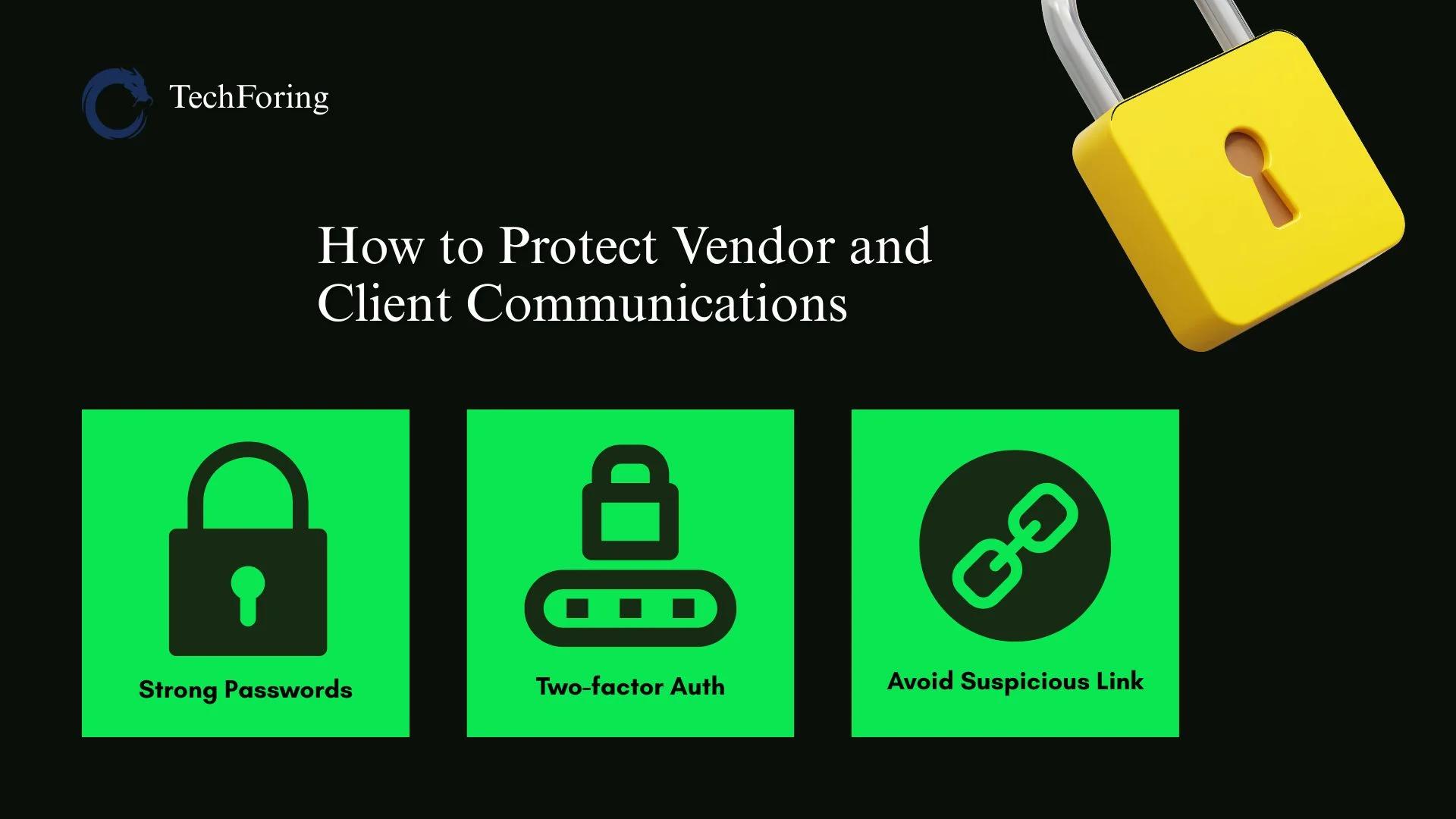
Confirm every important request from vendors and clients through a second channel before taking action. A quick phone call or video call to a known contact works best.
Never approve payment instructions or share sensitive information through email alone.
Avoid sending sensitive documents or payment instructions through regular email. Use secure portals or trusted file-sharing services. These platforms reduce the risk of interception, tampering, and impersonation.
Create strict verification and approval workflows for all vendor and client transactions. Require dual approvals for large payments. Always confirm account changes through a verified phone number. Match every invoice with purchase orders and previous payment patterns before processing.
Monitor email and payment systems continuously. Use security gateways and anomaly detection tools to flag unusual login locations, abnormal forwarding rules, sudden changes in vendor communication, or unexpected account changes. Early detection stops fraud before losses occur.
Maintain regular data backups. Store critical information offline or off-site. In case of vendor fraud or email compromise, secure backups allow fast recovery and prevent major loss.
Promote a culture of shared responsibility. Make reporting suspicious vendor or client communication easy. Encourage employees to report concerns without fear.
What to Do If Your Business Encounters a BEC Attempt
- Cancel pending payments or data transfers linked to the message. Notify the finance team and IT security without delay.
- Verify the sender through a separate channel. Use a known phone number or verified video call. Never reply to suspicious emails or click on links.
- Preserve all evidence. Save emails, attachments, full headers, timestamps, IP addresses, and forwarding rules. Keep login records and related communications.
- Reset passwords immediately and enforce multi-factor authentication (MFA) or security keys. Sign out active sessions and review mailbox rules, forwarding settings, and connected third-party apps. Remove any unknown or suspicious permissions.
- Contact your bank at once if any money has already been transferred. Request a freeze or reversal of the transaction. Provide full details, including account numbers, transfer times, and beneficiary information.
- Report the attack to law enforcement and cybercrime authorities. Reporting helps trace criminals, recover funds, and protect other businesses from similar attacks.
- Conduct a full forensic investigation. Analyze how attackers gained access. Look for phishing emails, stolen credentials, malicious attachments, or unauthorized OAuth connections.
Check for persistence mechanisms like backdoors, hidden login tokens, or unauthorized forwarding rules. Remove any malicious access and harden email and cloud systems with updates, patches, and stronger access controls.
If your company does not have an in-house forensic investigator, it is best to contact a cybersecurity firm like TechForing for an investigation.
Real Examples of BEC Attacks (Case Studies)
Here are 5 real-life cases of BEC attacks:
Facebook & Google $121 Million Scam (2013–2015)
Fraudsters created a fake company called Quanta Computer that looked identical to a real hardware supplier. They sent forged invoices, fake legal letters, and fake contracts. Finance teams believed the documents and transferred around $121 million to accounts controlled by criminals. Evaldas Rimasauskas, the mastermind, later faced legal action and prison.
Ubiquiti Networks $46.7 Million Vendor Fraud (2015)
Attackers impersonated external vendors and sent fake wire-transfer instructions to Ubiquiti’s finance team. They did not hack internal systems. Instead, they relied on vendor impersonation and spoofed emails. Over 17 days, the attackers stole $46.7 million and moved it to overseas accounts.
Toyota Boshoku Corporation $37 Million Scam (2019)
Attackers sent emails that looked like they came from a trusted business partner. They asked for a large wire transfer for a parts order. The finance team transferred $37 million before discovering the fraud.
Sefri-Cime Real Estate Firm €38 Million Loss (2022)
Criminals impersonated lawyers connected with Sefri-Cime. They sent official-looking emails to the firm’s CFO, asking for urgent transfers related to a property deal. The firm wired €38 million. Attackers then laundered the money through multiple international accounts.
Grand Rapids Public Schools $2.8 Million Fraud
Attackers hijacked a benefits coordinator’s email account. They intercepted regular insurance payment emails and changed bank details. Over two payments, the district lost $2.8 million before noticing the scam.
How Digital Forensic Experts Help Businesses Recover From BEC
When your business faces a BEC attack, digital forensic experts become your first line of defense. They can trace every move of the attackers and gather evidence to understand how the breach happened.
Experts start by analyzing emails, server logs, login records, and metadata. They check suspicious emails, headers, timestamps, sender IPs, and domain details.
When attackers spoof domains or use fake addresses, this deep email analysis uncovers the fraud source. They also review mailbox rules, forwarding settings, third-party app permissions, and user activity to find hidden backdoors or unauthorized access.
Once the attack path is clear, experts help secure affected accounts. They reset passwords, enforce multi-factor authentication (MFA) or security keys, and remove malicious access or forwarding rules. They also isolate compromised systems to stop further damage.
If attackers manage to steal money, forensic teams can trace every transaction. They collect all account details, transfer times, and destination information, then work with banks and law enforcement to recover the funds. Their detailed documentation also supports insurance claims or legal actions.
Forensic experts assess the full scope of the attack. They can check if attackers accessed only email or also cloud drives, shared documents, or other sensitive systems. They audit all connected systems to ensure no lingering threats remain. If sensitive data leaves the system, experts help meet compliance or legal obligations.
After the investigation, experts prepare clear reports. These reports summarize how the attack happened, what systems were affected, and what weaknesses the attackers exploited.
Businesses can use these reports for regulators, insurance, or legal proceedings. Experts preserve logs, email trails, metadata, and access records to maintain proper chain-of-custody.
Finally, experts help you rebuild secure operations. They guide you to enforce MFA, tighten access controls, implement strict email authentication like SPF, DKIM, and DMARC, and update internal policies.
Digital forensic teams also act as a bridge between your business, banks, law enforcement, and legal teams.
FAQs
What is the typical cost of a BEC attack?
A single BEC attack can cost your business over USD 125,000 on average. Some attacks reach millions, depending on the transferred funds.
How do attackers hide or disguise BEC emails?
Attackers often use spoofed or look-alike email addresses and domains. They craft urgent messages that seem familiar to trick you into acting quickly.
What types of BEC scams exist beyond CEO impersonation?
- Fake invoices or vendor-payment scams.
- Payroll or HR scams asking for employee info or bank details.
- Legal or attorney impersonation scams requesting urgent payments or sensitive information.
Why do many BEC attacks bypass traditional security tools?
Attackers focus on social engineering rather than malware. They exploit trust and routine workflows, which standard antivirus or spam filters often miss.
Can BEC attacks target small businesses or only big companies?
Any business is a target. Small businesses are often more vulnerable due to weaker controls. Attackers look for organizations using email for payments, payroll, or client communication.
Is there a way to recover funds if a BEC fraud happens?
Recovery is difficult if attackers move money quickly or across borders. Acting quickly by reporting to banks and law enforcement and hiring an investigator firm increases the chance of freezing or partially recovering funds.
On a Final Note
Now you understand how to prevent BEC attacks. Implement the right security measures for your organization and audit all your accounts, email workflows, and access controls.
Review your security policies carefully and make sure nothing leaves a gap for attackers to exploit. Check the compliance status of your systems and processes to ensure your business remains protected from potential threats.
Consult digital forensic and cybersecurity experts at TechForing for additional guidance and support today.